
How to Track Friends on a Motorcycle Ride Without Stopping or Draining Your Battery
A practical guide to keeping your riding crew visible in real time: hardware setups, battery conservation, offline handling, and group safety protocols.
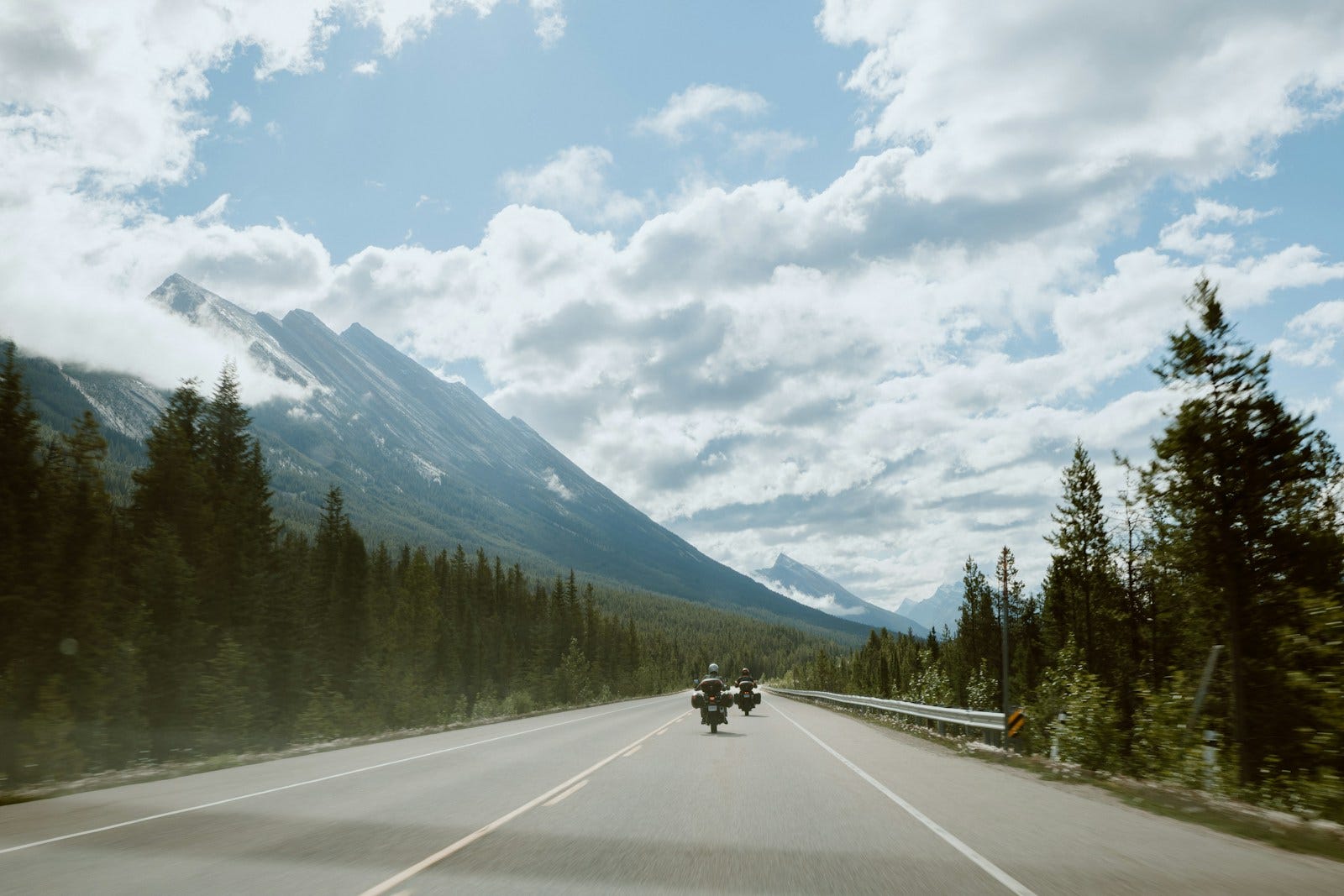
Quick answer: How do you track friends on a motorcycle ride? To track friends effectively without stopping or burning out your phone battery: (1) Use a purpose-built group ride tracker like Wandr that throttles GPS updates when stationary; (2) Mount your phone to a vibration-dampened handlebar mount with direct bike USB power; (3) Download offline Google Maps for your route beforehand; (4) Put pillions in Passenger Mode to save power; and (5) Rely on automated waypoint arrival notices rather than manual chat messages.
Nothing ruins the rhythm of a weekend motorcycle ride quite like the "Where are you?" stop.
You find a glorious stretch of flowing tarmac, settle into a groove, and check your rear-view mirror—only to find an empty horizon. You pull over to the road shoulder, take off your helmet, peel off sweaty riding gloves, pull out your phone, and discover:
- Your battery dropped from 85% to 22% in two hours.
- Your phone is burning hot from the midday sun.
- The WhatsApp live location your friend shared expired 30 minutes ago.
- You have to make three phone calls just to learn they stopped 5 km back for petrol.
Tracking friends on a motorcycle ride shouldn't require interrupting the ride. With the right hardware setup and modern group tracking technology, you can keep your entire pack visible on one screen from departure to destination.
Here is the exact step-by-step system experienced tourers use.
1. Choose a Purpose-Built Group Navigation App (Not a Chat App)
The single biggest mistake riding groups make is using generic messaging apps (like WhatsApp) or person-to-person tools (like Google Maps Location Sharing).
As explained in our Wandr vs WhatsApp Live Location guide, chat apps poll GPS continuously at maximum power, lack route waypoints, and expire on arbitrary timers.
What to Look For in a Group Ride Tracker:
- Synchronized Map & Route: Your friends' location pins must appear directly on top of the turn-by-turn navigation route, not in an isolated chat window.
- Stationary GPS Throttling: The app should automatically detect when your pack stops at a fuel pump or restaurant and drop GPS frequency down to once per minute, saving immense battery.
- Zero-Friction Joining: A system that lets friends join using a simple private 8-character code rather than adding contacts or sharing phone numbers.
- Automated Check-Ins: An app like Wandr that automatically announces in trip chat whenever a rider crosses a planned stop geofence ("📍 Arun arrived at the breakfast point").
2. Power Your Phone from the Bike's Electrical System
Relying solely on your smartphone's internal battery while running GPS, maximum screen brightness, and mobile data is impossible on rides lasting longer than 3 hours.
The Recommended Power Setup:
- Direct SAE or Ignition-Switched USB Charger: Install a quality 12V USB charger wired directly to your motorcycle's battery or auxiliary power port. Choose one with Quick Charge 3.0 (18W+) or USB-PD (Power Delivery). Standard 5V/1A (5W) chargers cannot supply enough current to charge a phone running GPS in direct sunlight.
- Short, High-Current Cable: Avoid long coiled cables that can snag on the handlebar triple clamp or tank bag. Use a short 0.5-meter braided cable.
- Power Bank in Tank Bag as Backup: Always carry a 10,000 mAh power bank in your tank bag or jacket pocket. If your bike's charging fuse blows on the highway, your backup keeps group communication alive.
3. Prevent Overheating and Vibration Damage
Smartphones mounted on motorcycle handlebars face two silent killers: engine vibrations and solar heat.
- Use Vibration Dampening: Modern smartphone optical image stabilization (OIS) camera modules can be damaged by high-frequency engine harmonics (especially on single-cylinder and twin-cylinder bikes). Always choose a mount equipped with an elastomeric vibration dampener (such as Quad Lock with vibration dampener, RAM Quick-Grip with anti-vibration pad, or Bobo mounts).
- Manage Solar Heat: Direct sunlight combined with fast charging causes lithium-ion batteries to hit 45°C+, triggering Android's safety thermal throttling (which shuts down GPS and dims screens). Position your mount slightly behind the bike's flyscreen or windscreen to shield it from direct blast, and avoid heavy, unventilated waterproof phone pouches during hot summer rides.
4. Pre-Download Offline Maps Before Hitting Remote Passes
Ghat sections (like the Western Ghats, Nilgiris, or Aravalis) and high-altitude Himalayan passes (Ladakh, Spiti, Kinnaur) have massive cellular dead zones.
When you lose 4G/5G connectivity:
- A standalone navigation app without cached data will freeze and lose route guidance.
- However, GPS satellites still function with 100% precision even with zero mobile tower signal.
The Fix:
Because Wandr integrates Google Maps turn-by-turn navigation, you can download the entire geographic corridor as an Offline Map in Google Maps before leaving home.
- While in the dead zone, Wandr will continue providing flawless turn-by-turn voice prompts and tracking your coordinates.
- As soon as any rider reconnects to a cellular tower, their latest coordinates stream instantly to the group map.
5. Put Pillions and Chase Cars in Passenger Mode
On group tours with pillion passengers or support chase vehicles, running full navigation on everyone's phone is a wasteful duplication of battery and mobile data.
Co-riders and pillions don't need voice prompts telling them: "In 200 meters, turn left." They simply want to look at their phone and know:
- Where is the rest of the group?
- How far ahead is the lead rider?
- Are we approaching the scheduled fuel stop?
Wandr introduced Passenger Mode specifically for this scenario. Passenger Mode provides a clean, battery-efficient bird's-eye view of all riders and planned stops on the live map without running CPU-intensive voice recalculations. Pillions can monitor the pack all day while consuming less than 4% battery per hour.
6. Combine Tech with the Corner-Marker System
Technology takes away the guesswork of group travel, but it works best when paired with proven riding discipline.
The most effective riding groups in the world combine a live app with the Corner-Marker System (detailed in our Group Riding Rules guide):
- The Lead Rider sets the route and pace.
- At every major junction or highway exit, the second rider in formation stops safely and points the way until the sweep arrives.
- The Sweep Rider brings up the rear with tools, first aid, and the group tracker screen active.
- If a rider experiences a mechanical failure, the sweep immediately spots them, while the lead rider sees their stopped marker on Wandr's live map and halts the pack at the next safe overlook.
Summary Checklist for Your Next Group Ride
| Action Item | When to Do It |
|---|---|
| Build Route & Stops in Wandr | 2–3 days before the ride (learn how) |
| Share 8-Character Join Code | In your group chat the day before |
| Pre-download Offline Map Areas | The night before on home Wi-Fi |
| Check Bike USB Charger & Cable | During morning pre-ride bike inspection |
| Verify Emergency Profile Contacts | In your in-app safety profile |
| Tap "Start Trip" at Meetup | Synchronizes all friends on one live map |
Never lose a riding buddy again. Download Wandr free on Android and ride together without the chaos.
Related Articles
Your next ride starts with WANDR.
Download free for Android. Keep your crew, your route, and your journey connected on every mile.