
Wandr vs WhatsApp Live Location for Group Rides: Why Messaging Apps Fail on the Road
A practical, side-by-side comparison of WhatsApp Live Location vs a dedicated group ride tracker for motorcycle packs and road trips.
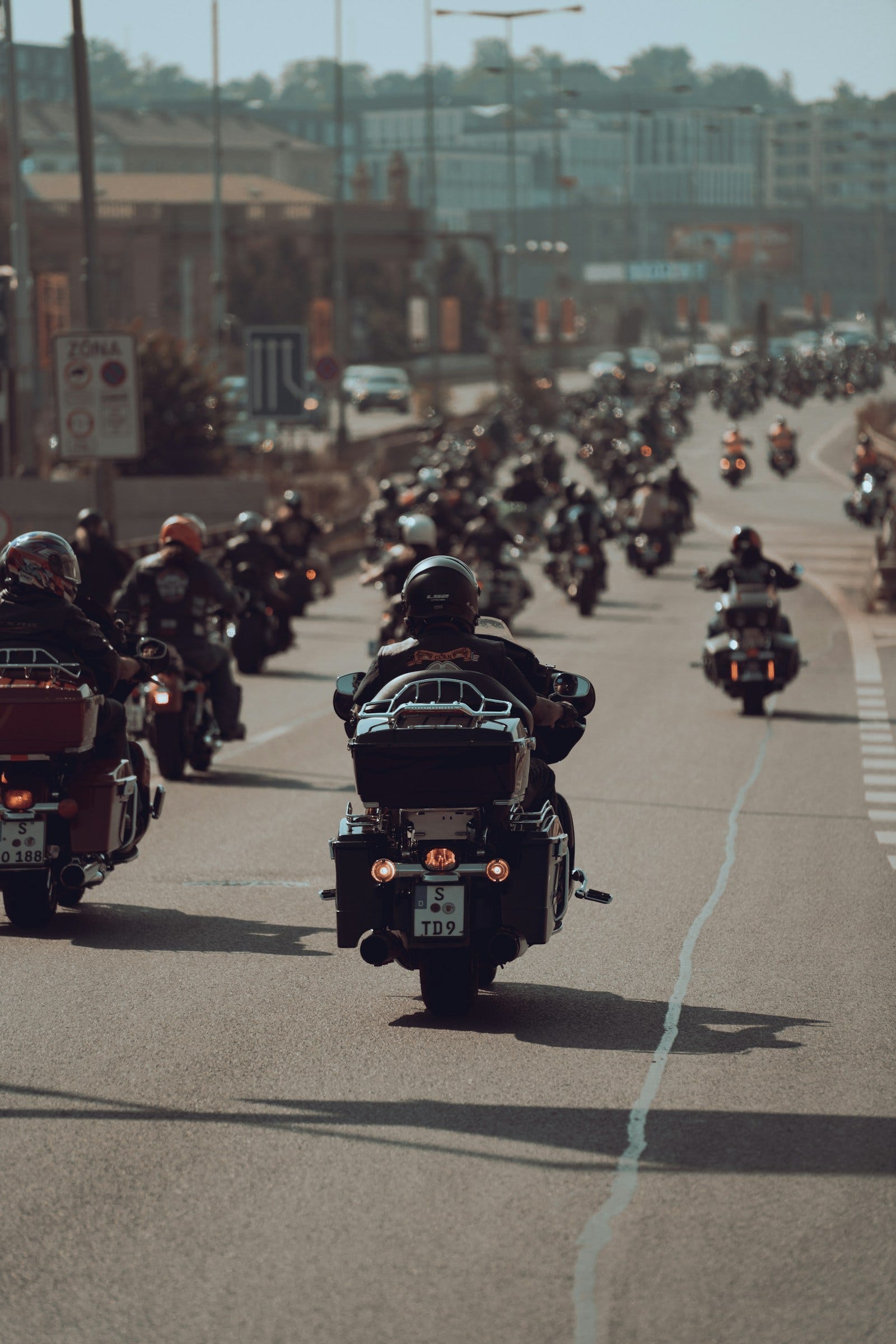
Quick answer: Should you use WhatsApp or Wandr for group rides? For a quick 30-minute city meetup, WhatsApp Live Location works fine. But on real highway rides, weekend tours, and multi-bike trips, WhatsApp falls apart: shares expire mid-ride (1h or 8h limits), every rider must remember to manually start it, it has zero route navigation or fuel stops, and continuous GPS streaming overheats phones and drains batteries. A dedicated group ride tracker like Wandr keeps all riders synchronized on one route with battery-smart GPS throttling and automatic arrival check-ins.
Every motorcycling club and riding group in India has experienced this exact scenario:
It is 6:00 AM at the highway toll plaza. Fifteen riders gather for a breakfast ride. The organizer shouts over idling exhausts: "Everyone share your live location in the WhatsApp group!"
Ten riders share. Two forget. Three choose "1 hour" because they didn't notice the 8-hour toggle. By 7:30 AM, after a quick chai stop, two riders have taken the wrong highway flyover, the sweep rider's WhatsApp share has silently expired, and the lead rider is pulled over on the road shoulder with riding gloves off, trying to scroll through 40 unread WhatsApp messages to find who is where.
WhatsApp is arguably the greatest everyday messaging app ever built. But WhatsApp was never engineered to coordinate vehicles moving at 90 km/h on an open highway.
In this guide, we break down why messaging apps struggle on the road and how a purpose-built group navigation app changes the entire ride dynamic.
The Core Breakdown: WhatsApp vs Wandr
| Feature | WhatsApp Live Location | Wandr Group Navigation |
|---|---|---|
| Primary Purpose | Personal peer-to-peer chatting | Group travel coordination & navigation |
| Share Duration | 15 min, 1 hr, or 8 hr (expires mid-trip) | Active for the duration of the scheduled Trip |
| Joining Mechanism | Manual share per person | One 8-character invite code connects the whole pack |
| Synchronized Route & Stops | ❌ No route or waypoint overlay | ✅ Shared GPX route, fuel stops & viewpoints |
| Turn-by-Turn Navigation | ❌ None (must switch to Google Maps) | ✅ Integrated Google Maps voice guidance |
| Battery Consumption | ⚠️ High (continuous un-throttled polling) | ✅ Low (smart speed & stationary throttling) |
| Arrival Notifications | ❌ None | ✅ Automatic chat alert when a rider reaches a stop |
| Pillion / Passenger View | ❌ Same standard chat interface | ✅ Dedicated, zero-distraction Passenger Mode |
| Cost | Free | Free to download on Android |
1. The Expiration Problem: Why WhatsApp Quits Mid-Ride
WhatsApp gives you three choices when sharing your live location: 15 minutes, 1 hour, or 8 hours.
On an organized ride, this creates constant points of failure:
- Riders who hurriedly tap "Share" often default to 1 hour. When the group stops for breakfast 75 minutes later, their pin is gone.
- If a rider's phone battery dips or enters background power saving, Android frequently terminates WhatsApp's background location service without warning.
- When someone gets separated on a remote ghat section, their pin in WhatsApp often shows "Live location ended 42 minutes ago."
With Wandr, location sharing is tied directly to the Trip, not an arbitrary timer. When you tap "Start Trip" at the meetup point, location streaming activates for everyone in the group. When the organizer concludes the ride at the final destination, sharing terminates for everyone simultaneously.
2. The Route Disconnect: Location Without Context is Useless
Seeing a dot on a blank satellite map doesn't tell you what you actually need to know:
- Is the sweep rider behind because of heavy traffic, or did they miss the highway exit?
- Did the missing rider stop at our planned Indian Oil fuel pump, or did they stop on the highway shoulder with a puncture?
WhatsApp only shows isolated pins on an empty map. It has no concept of your planned route, your fuel waypoints, or your breakfast stop.
In Wandr's feature suite, the live group map sits directly on top of the shared route. The lead rider and sweep can see immediately whether a lagging rider is on track or heading down the wrong highway branch. Furthermore, when any rider enters the geofence of an agreed stop, Wandr automatically posts an in-app notice: "📍 Rahul reached Fuel Stop 1."
3. Battery Drain and Phone Overheating
Running GPS on a smartphone mounted to motorcycle handlebars is brutal on battery health. High ambient temperatures, direct sunlight, vibrating handlebar mounts, and unoptimized location polling cause phones to overheat and throttle charging speeds.
How WhatsApp Handles GPS:
WhatsApp polls your device's high-accuracy GPS receiver continuously at fixed intervals, regardless of whether you are cruising at 100 km/h or parked at a dhaba for 45 minutes having breakfast. This drains battery at an unsustainable rate of 15% to 25% per hour.
How Wandr's Battery-Smart Engine Works:
Wandr uses an intelligent movement-aware location engine:
- Dynamic High-Precision Mode: When your pack is moving at speed, location updates broadcast frequently to ensure pinpoint proximity accuracy.
- Stationary Power Saver: When your group stops for fuel, chai, or regrouping, Wandr detects zero velocity and throttles GPS updates down to once per minute. This cuts idle battery drain by over 70%, keeping your phone alive for 8 to 12 hours of touring.
For pillions, co-riders, or support chase cars, Wandr also includes Passenger Mode—a streamlined map view that strips away voice navigation prompts and heavy turn recalculations, using virtually zero battery.
4. App Switching: The Hidden Safety Hazard
Consider what a rider has to do using the traditional "WhatsApp + Google Maps" combo:
- They mount their phone and run Google Maps for turn-by-turn navigation.
- At a fork in the road, they notice nobody in their mirrors.
- To check where the sweep rider is, they must unlock their phone with riding gloves on, exit Google Maps, open WhatsApp, scroll to find the live location card, and wait for the map to load.
- Meanwhile, navigation voice prompts are muted or disrupted.
Taking hands off the handlebars or fiddling with phone screens while pulled over on a narrow highway shoulder is dangerous. Wandr's safety philosophy solves this by placing turn-by-turn voice directions, the synchronized group map, and one-tap voice notes into one single interface. You never have to switch between apps mid-ride.
5. Security and Privacy: Who Sees Your Location?
A common complaint in riding clubs is privacy:
- A riding club's main WhatsApp group might have 150 members, but only 8 people are attending Sunday's breakfast ride.
- When riders share live location in that WhatsApp group, all 150 people—including casual acquaintances—can track their real-time location and speed.
Wandr separates Groups from Trips. You can be part of a 200-member club, but when you schedule a specific ride, only riders who actively enter the secure 8-character invite code can view the live map. Once the trip concludes, location data is wiped from active sessions.
Summary: When to Use Which?
- Use WhatsApp Live Location if: You are meeting a single friend at a cafe in town, or checking if someone arrived home safely after a solo commute.
- Use Wandr if: You are organizing a group ride with 3 or more bikes, planning a multi-stop highway trip, touring winding hill routes (like Ladakh, Spiti, or the Western Ghats), or want your entire pack safely visible on one map without phone chaos.
Ready to upgrade your weekend rides? Download Wandr free on Android or see how Wandr works in 4 simple steps.
Related Guides from the Wandr Journal
Your next ride starts with WANDR.
Download free for Android. Keep your crew, your route, and your journey connected on every mile.